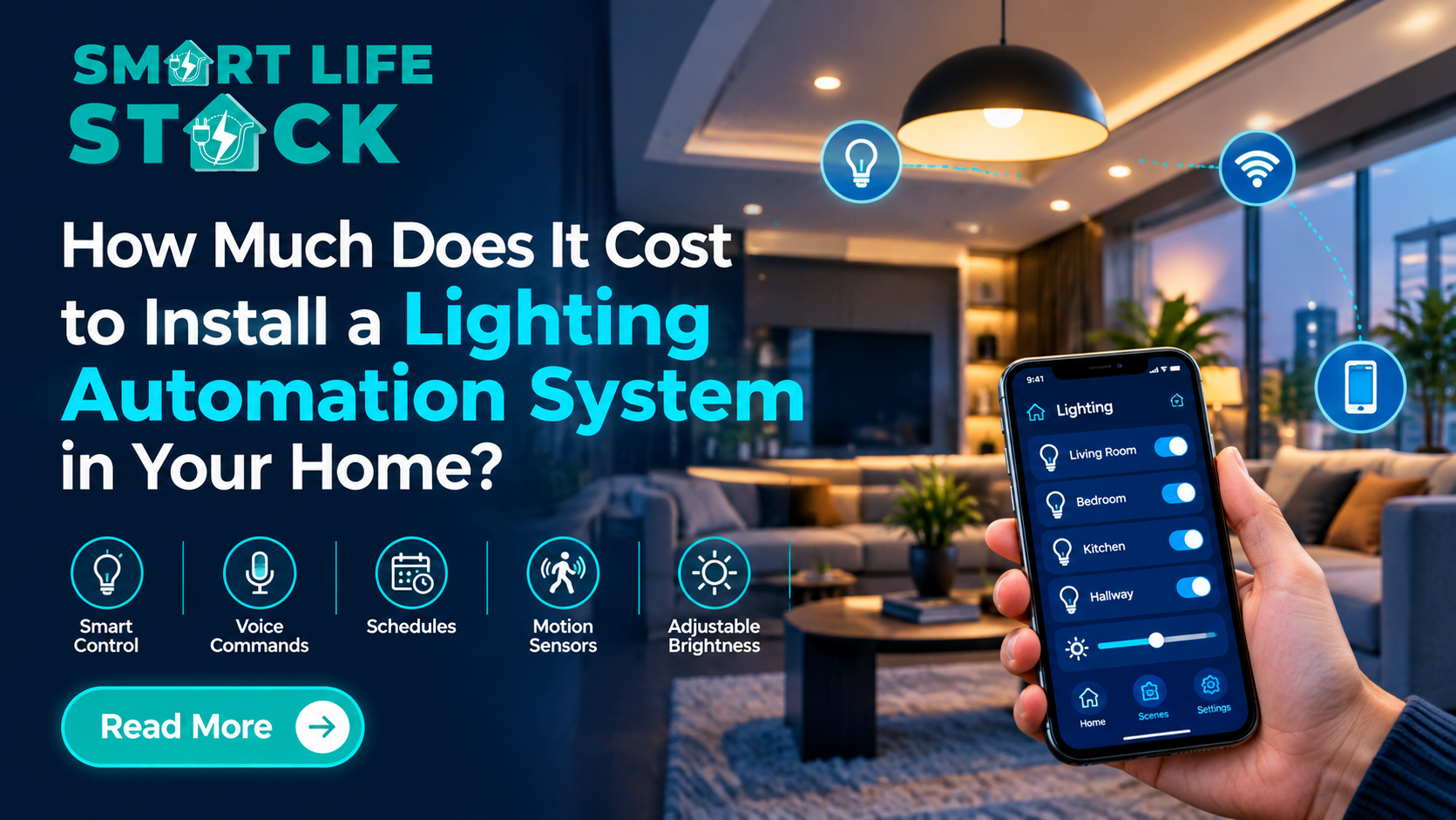
Installing the best lighting automation system in 2026 can change the way you use your home. Instead of switching every light manually, you can control lighting through your smartphone, voice commands, motion sensors, or automatic schedules. But how much does it cost to install smart lighting in a home?
For homeowners in Mumbai, the cost of lighting automation generally depends on the number of lights, smart switches, wiring requirements, installation complexity, and the level of control you want. A basic setup can be relatively affordable, while a complete smart home automation system with lighting, curtains, AC, and security requires a larger investment.
This guide explains lighting automation costs, installation options, practical examples, and how to choose the right solution for your home.
What Is Lighting Automation?
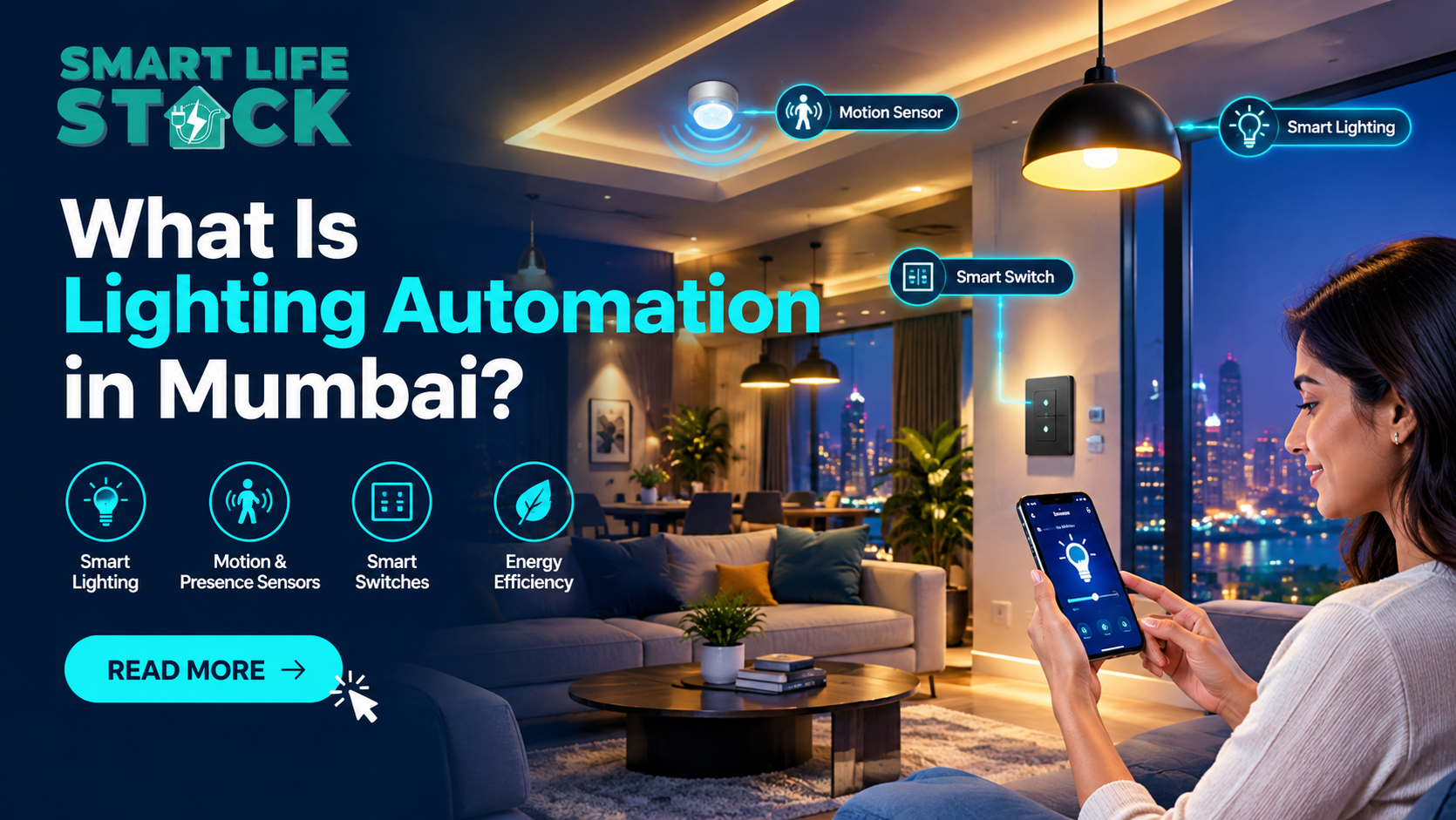
Best Lighting Automation is a smart home technology that allows lights to operate automatically or be controlled remotely using smart switches, sensors, mobile apps, or voice assistants.
A lighting automation system can help you:
- Turn lights on and off using your smartphone.
- Control multiple lights from one app.
- Create automatic lighting schedules.
- Switch off lights when a room is empty.
- Adjust brightness with compatible dimmers.
- Create scenes for movie nights, dinners, or bedtime.
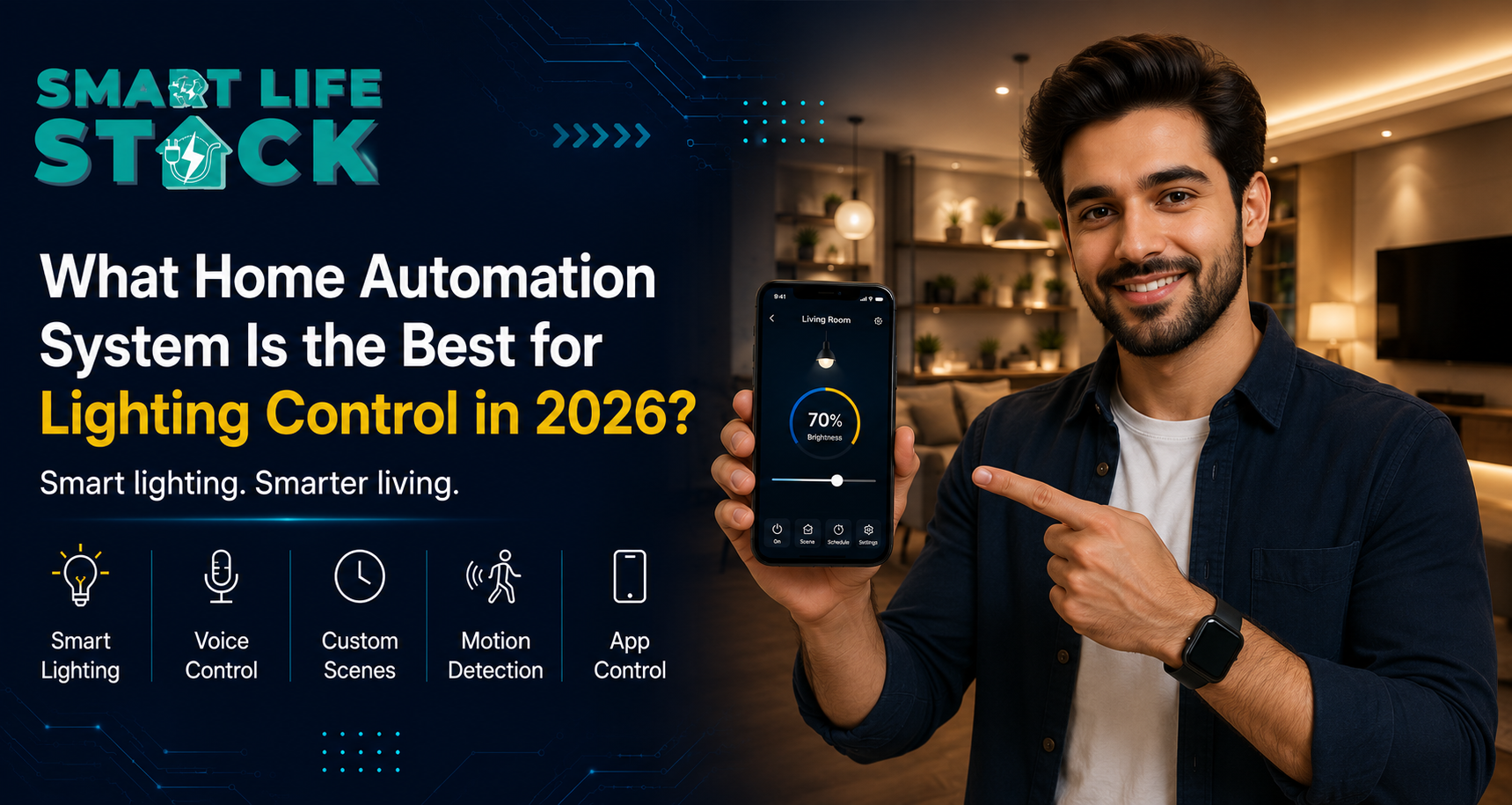
- Control lights using voice commands through compatible assistants.
For example, imagine arriving home after work in Mumbai. Instead of walking through a dark entrance and switching on each light, your entrance lighting can turn on automatically when the relevant sensor detects movement or when a scheduled routine runs.
Expert insight: Good lighting automation is not simply about replacing ordinary switches with smart ones. It is about selecting compatible hardware, planning the electrical installation, and creating a reliable control system that suits your home.
How Much Does Lighting Automation Cost in India?
The cost of installing lighting automation depends on the size of your project and the features you choose.
The following are indicative budgeting estimates for residential projects in India, not live market quotations or fixed SmartLifeStack prices. These ranges are illustrative and can vary significantly based on the brand, number of circuits, dimming requirements, wiring, electrical work, and integration with other home automation solutions.
What Changes the Final Price?
A small apartment with six automated lights will cost less than a three-bedroom home with 25 smart circuits, dimming, sensors, and scene control.
The most important factors are
- Number of lights and switches.
- Type of smart switch or lighting controller.
- Existing wiring and neutral-wire availability.
- Whether dimming is required.
- Wireless or wired home automation architecture.
- Mobile app and voice-control integration.
- Installation and electrical modification costs.
- Whether lighting is part of a larger home automation package.
Main Factors That Affect Lighting Automation Installation Cost
1. Number of Lights and Smart Switches
The number of lighting circuits is one of the biggest cost drivers.
A single smart switch may control one light, multiple lights, or several separate circuits depending on its design. A home with six automated circuits will generally require less hardware than one with 20 or 30 circuits.
For example:
- Bedroom: 2–3 lighting circuits.
- Living room: 3–5 lighting circuits.
- Kitchen: 2–3 lighting circuits.
- Passage and entrance: 1–3 circuits.
- Balcony: 1–2 circuits.
The exact number depends on your home’s electrical layout.
Practical advice: Count the lights you want to automate, but also count the independent switch circuits. This gives a more realistic starting point for estimating the project cost.
2. Smart Switches and Dimmers
Smart switches are a key part of most lighting automation systems.
Common options include
- Single-channel smart switches.
- Multi-channel smart switches.
- Smart dimmers.
- Scene-control panels.
- Relay modules.
- Smart bulbs.
Basic on/off control is usually simpler than dimming. If you want to change brightness, the light fixture and dimmer must be compatible.
For premium homes, touch panels or scene controllers may add convenience and a more polished appearance, but they can increase the budget.
3. Existing Wiring and Electrical Work
Mumbai homes can have very different electrical layouts. Older Andheri apartments, renovated flats, and newer residential towers may not have the same wiring conditions.
Some smart switches require a neutral wire, while certain products are designed for installations without one. Compatibility must be checked before purchasing.
Additional electrical work may be needed for:
- Switchboard modifications.
- Neutral-wire arrangements.
- Rewiring.
- Distribution-board changes.
- Electrical safety checks.
- Installation of compatible modules.
If the home requires extensive rewiring, installation costs can rise beyond the price of the smart devices themselves.
4. Wireless vs. Wired Lighting Automation
There are two broad approaches to installing a smart lighting system.
Wireless Home Automation System
The best wireless systems use communication technologies such as Wi-Fi, Zigbee, or other compatible wireless protocols.
Advantages:
- Useful for existing homes.
- Less disruption during installation.
- Easier to expand room by room.
- Suitable when major rewiring is difficult.
Limitations:
- Device compatibility matters.
- Network planning is important.
- Some products depend on internet or cloud services.
- Battery-powered sensors require maintenance.
Wired Home Automation System
Wired systems use dedicated wiring or control infrastructure to connect devices.
Advantages:
- Can be suitable for new construction.
- Useful for larger, integrated installations.
- May offer centralized control and professional-grade infrastructure.
Limitations:
- Installation planning is more involved.
- Retrofitting may require additional electrical work.
- Initial installation can be more expensive.
SmartLifeStack recommendation: For an existing Mumbai apartment, start by evaluating the current wiring and the rooms you want to automate. A wireless approach may be practical, but the right choice depends on the home’s electrical and network conditions.
Lighting Automation Cost by Home Size
1BHK Lighting Automation
A basic 1BHK lighting automation setup may include:
- Living room lights.
- Bedroom lights.
- Kitchen lighting.
- Bathroom or passage lighting.
- Entrance lighting.
An indicative budget is ₹100,000–₹150,000, depending on the number of circuits, device quality, and installation work.
A homeowner who wants smartphone control and a few automated schedules may not need a complete whole-home automation system.
2BHK Lighting Automation
A 2BHK home typically has more lighting circuits and may benefit from room-based scenes.
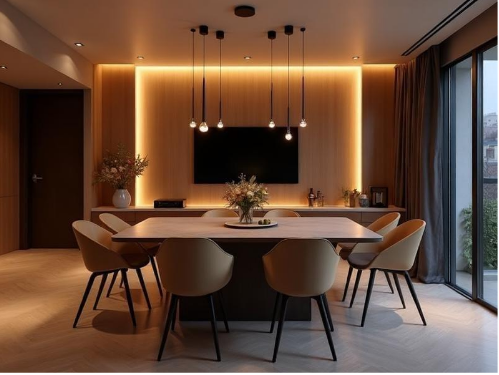
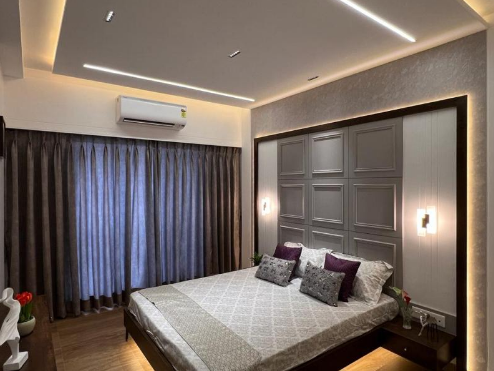
A sample setup could include:
Area | Example automation |
Living room | Main lights, ambient lights, scene control |
Master bedroom | Main light, bedside lighting |
Second bedroom | Main light, study lighting |
Kitchen | Main lighting, task lighting |
Passage | Motion-triggered lighting |
Entrance | Scheduled or sensor-based lighting |
A reasonable preliminary budget is ₹125,000–₹175,000 for a lighting-focused project, depending on the scope.
For example, a 2BHK with eight automated circuits may cost much less than a 2BHK with 18 circuits, premium dimmers, touch panels, and extensive electrical modifications.
3BHK and Whole-Home Lighting Automation
A larger home may include:
- Multiple bedrooms.
- Living and dining areas.
- Kitchen and utility spaces.
- Balconies.
- Corridors.
- Entrance lighting.
- Decorative and cove lighting.
A 3BHK lighting automation installation may start around ₹345,000 and increase to ₹4.2 lakh or more for a broader lighting-focused project.
Premium whole-home lighting automation can cost substantially more when it includes centralized control, advanced scenes, architectural lighting, and integration with AC automation, curtain motors, and smart security.
What Is Included in a Lighting Automation Installation?
A professional home automation installation usually includes more than just supplying smart devices.
Smart Lighting Hardware
Depending on the project, hardware may include:
- Smart switches.
- Dimmers.
- Relay modules.
- Smart bulbs.
- Motion sensors.
- Light sensors.
- Gateways or hubs, where required.
- Scene controllers.
Installation and Configuration
A good installation process should cover:
- Site assessment.
- Lighting circuit mapping.
- Compatibility checks.
- Smart device installation.
- App or controller configuration.
- Testing of manual and automatic control.
- User training.
A quotation should clearly state whether installation, programming, electrical modifications, and after-sales support are included.
Does Lighting Automation Require a Hub?
Not always.
Some smart lighting products connect directly to Wi-Fi, while others use Zigbee or another protocol and may require a compatible hub or gateway.
A hub can help coordinate compatible devices and support more advanced automation. However, the need for a hub depends on the chosen product ecosystem.
How Does Lighting Automation Work?
A typical lighting automation system combines three elements:
- Input
A motion sensor, smartphone, voice command, or schedule triggers an action.
- Control
A smart switch, controller, or compatible hub processes the command.
- Action
The light turns on, turns off, or changes brightness if dimming is supported.
Example: Automatic Corridor Lighting
You walk into a dark corridor at night.
- The motion sensor detects movement.
- The automation controller checks the programmed conditions.
- The corridor light turns on.
- After a set period without movement, the light switches off.
This is one example of how smart home automation can improve convenience and reduce unnecessary lighting use.
A typical lighting automation system combines three elements:
- Input
A motion sensor, smartphone, voice command, or schedule triggers an action.
- Control
A smart switch, controller, or compatible hub processes the command.
- Action
The light turns on, turns off, or changes brightness if dimming is supported.
Example: Automatic Corridor Lighting
You walk into a dark corridor at night.
- The motion sensor detects movement.
- The automation controller checks the programmed conditions.
- The corridor light turns on.
- After a set period without movement, the light switches off.
This is one example of how smart home automation can improve convenience and reduce unnecessary lighting use.
Benefits of Smart Lighting Automation
Convenience and Comfort
You can control multiple lights from one smartphone app or compatible voice assistant.
For example, a bedtime scene could switch off the living room lights, turn on a soft bedroom light, and activate selected entrance lighting.
Better Lighting Control
Lighting automation allows you to create different lighting moods for:
- Movie nights.
- Dinner parties.
- Reading.
- Relaxation.
- Morning routines.
- Night-time movement.
Energy-Saving Potential
Motion sensors and schedules can help reduce unnecessary lighting use. However, the actual savings depend on how lights were used before automation, the efficiency of the fixtures, and how the system is configured.
Automation does not automatically guarantee a lower electricity bill.
Integration With Other Smart Home Systems
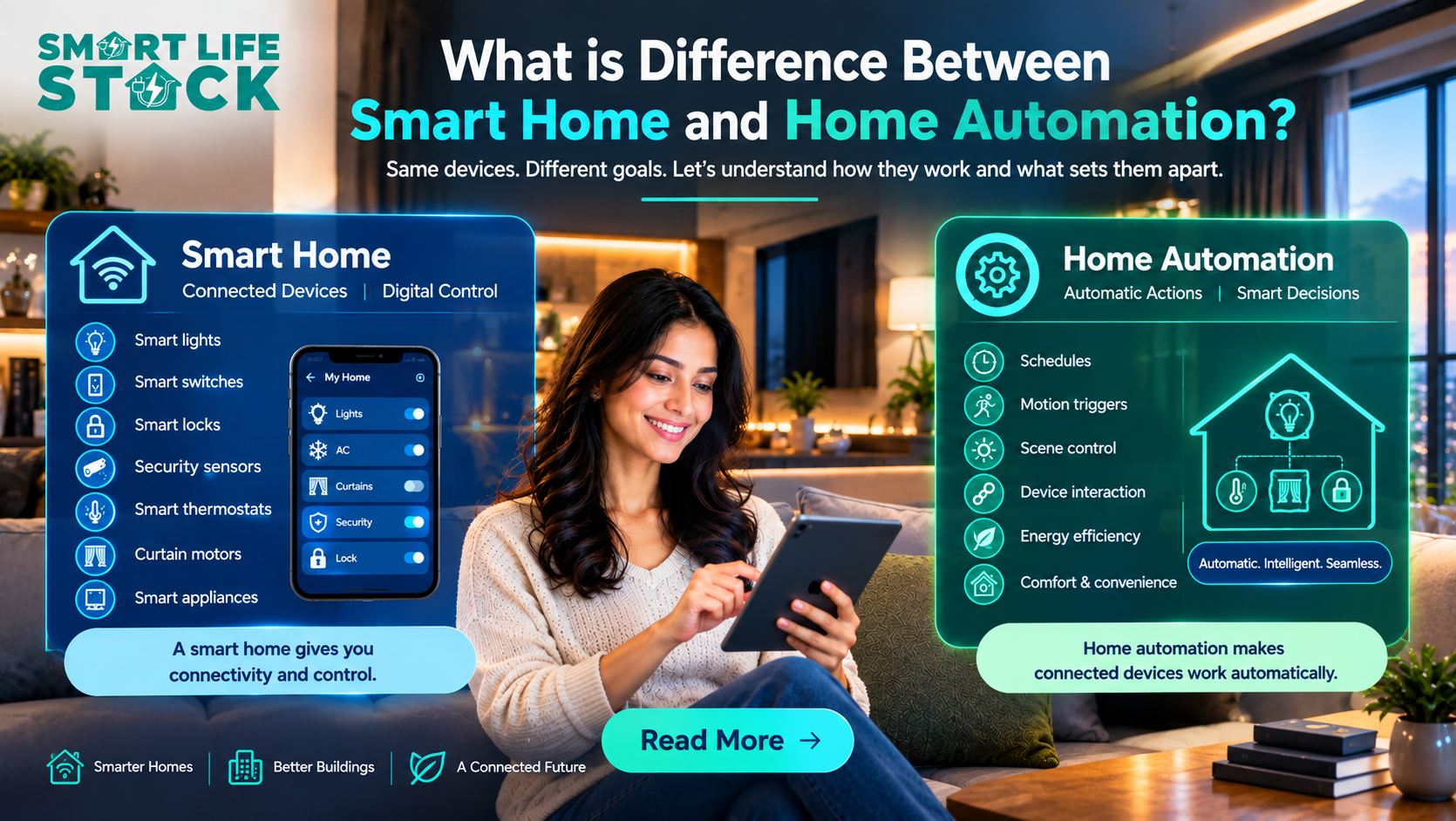
Lighting can become part of a broader home automation system.
For example:
- Lighting + curtain automation.
- Lighting + AC automation.
- Lighting + smart lock systems.
- Lighting + motion sensors.
- Lighting + home security.
- Lighting + voice control.
This is where a lighting project can grow into a complete home automation solution.
Lighting Automation vs. Complete Home Automation System
A lighting automation system focuses mainly on lights. A complete home automation system may connect lighting, curtains, AC, security, and other devices.
Feature | Lighting automation | Complete home automation |
Smart lights | Yes. | Yes. |
Smart switches | Yes. | Yes. |
Motion sensors | Optional | Often included |
Curtain motors | Optional | Can be included |
AC automation | No, unless added | Can be included |
Smart locks | No, unless added | Can be included |
Centralized scenes | Basic to advanced | Advanced |
Installation budget | Lower | Higher |
If your main goal is controlling lights, a lighting-only project may be the most cost-effective starting point.
If you want automated curtains, AC control, smart locks, and security integration, it may be better to plan a smart home automation system from the beginning.
How to Choose the Best Lighting Automation System for Your Home
1. Decide What You Want to Automate
Before contacting home automation companies in Mumbai, prepare a room-by-room list.
For example:
- Living room: 4 circuits.
- Master bedroom: 3 circuits.
- Kitchen: 2 circuits.
- Passage: 1 circuit.
- Entrance: 1 circuit.
This makes it easier to compare quotes.
2. Check Compatibility With Your Wiring
Ask whether the selected smart switches work with your existing wiring, load types, and switchboard.
Do not assume that every smart switch works with every home.
3. Choose the Right Control Method
Decide whether you want:
- Smartphone home automation.
- Voice-controlled home automation.
- Motion-based lighting.
- Scheduled automation.
- Physical switch control.
- Local or offline home automation.
A good system should remain convenient even when you prefer manual control.
4. Ask About Offline Operation
Some homeowners prefer an offline home automation setup because they want local control even if the internet is unavailable.
Ask the installer:
- Can the lights be controlled without internet?
- Does the system require a cloud account?
- What happens if the Wi-Fi connection fails?
- Is a hub required?
- Which features work locally?
The answer depends on the specific hardware and automation architecture.
5. Compare Support and Installation Quality
A reliable home automation system installation should include proper testing and clear documentation.
Look for a provider that can support the system after installation, not just supply the devices.
Is Lighting Automation Worth the Cost?
Lighting automation is often a good starting point for homeowners who want smart home convenience without installing every automation feature at once.
It can be especially useful when:
- You have multiple lighting circuits.
- You want smartphone or voice control.
- You frequently forget to switch off lights.
- You want lighting scenes.
- You are renovating or building a new home.
- You plan to expand into a larger smart home automation system.
However, the value depends on your usage and expectations. If you only need to switch on a single bedroom light remotely, a simple smart bulb may be enough. If you want coordinated lighting across the entire home, professional planning becomes more important.
Conclusion
Lighting automation is one of the most practical ways to begin upgrading your home. For Indian homeowners, a basic installation may start with a few smart switches or bulbs, while a larger 2BHK or 3BHK project can include room-based scenes, sensors, dimming, and smartphone control.
The cost depends on your home’s size, electrical wiring, number of lighting circuits, and the features you choose. Before investing, compare hardware quality, installation requirements, local control, and after-sales support.
At SmartLifeStack, the focus should be on selecting a lighting automation solution that fits your home, works reliably, and can grow into a broader smart home automation system when needed.
Frequently Asked Questions About Lighting Automation
1. How much does it cost to automate lights in a 2BHK home?
A lighting-focused automation project for a 2BHK home may cost approximately ₹25,000–₹75,000 as an initial planning range. The actual price depends on the number of lighting circuits, switch type, wiring, and installation requirements.
2. Can I install lighting automation in an existing home?
Yes. Lighting automation can often be retrofitted into an existing home using compatible smart switches, relay modules, or smart bulbs. The installer should check the existing wiring and electrical load before selecting the products.
3. Does lighting automation work without Wi-Fi?
Some systems support local control or automation without an internet connection, while others depend on Wi-Fi or cloud services. The exact offline capabilities depend on the devices and controller used.
4. What is the difference between smart lighting and lighting automation?
Smart lighting usually refers to lights that can be controlled digitally through an app, voice assistant, or smart switch. Lighting automation adds rules and triggers, such as turning lights on when motion is detected or switching them off at a scheduled time.
5. Can lighting automation be integrated with Alexa or Google Home?
Many compatible smart lighting products can integrate with voice assistants such as Alexa or Google Home. Compatibility depends on the product, account setup, network, and supported integrations.
6. Can I automate curtains and AC along with lighting?
Yes. A broader home automation system can integrate lighting with curtain motors, automatic curtains, AC control systems, and smart security devices. These additions increase the project scope and may increase the overall installation cost.
7. How much does a complete home automation system cost?
There is no single price for a complete home automation system. A lighting-only project may cost tens of thousands of rupees, while a premium whole-home automation installation with lighting, curtains, AC, and security can cost several lakhs. The final price depends on the number of devices and the level of integration.
8. Which is the best home automation system for security?
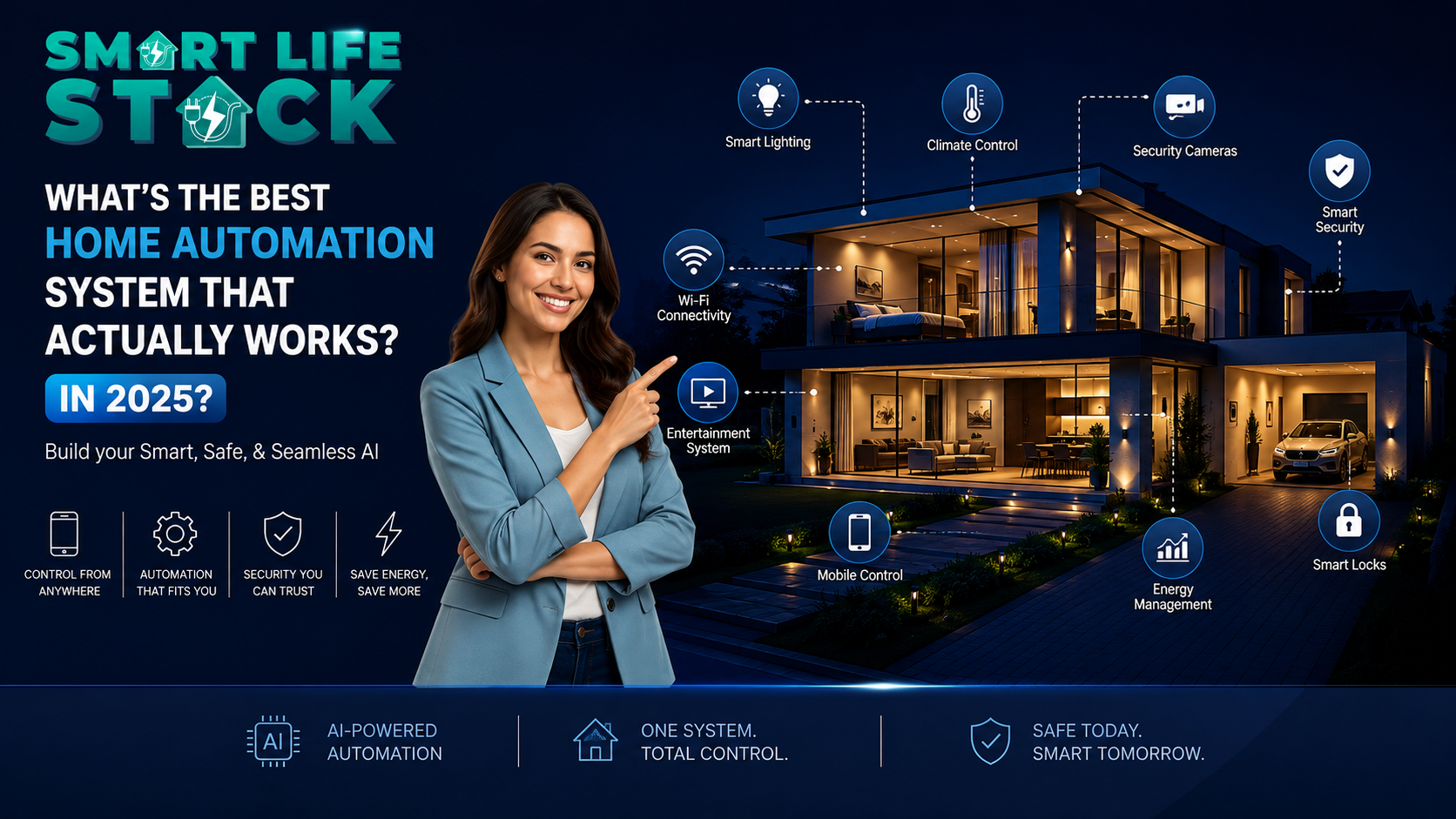
The best system is one that combines compatible smart locks, sensors, lighting, and security devices with reliable control and professional installation. Lighting automation alone is not a complete security system. For security-focused projects, choose a solution designed around your home’s actual entrance, sensor, and access-control needs.