Okay, real talk: how many times have you left home and suddenly thought, “Did I turn off the AC?” It happens to everyone. And that’s literally the whole problem smart switches are solving. nu
Ahome automation switchisn’t just a glorified on/off button. It’s basically your entire home’s control system: lights, fans, curtains, locks, and appliances all connected to your phone. No massive renovation. No rewiring drama. You just replace what’s already there and suddenly your home is actually working for you.
New flat buyer? Old home retrofit? Builder wanting to add value? Doesn’t matter. Understanding how this stuff works is step one.
So What Even Is a Home Automation Switch?
Think of it this way: your regular wall switch either completes a circuit or breaks it. That’s it. That’s all it does.
A smart switch does the same thing electrically, but now it’s talking to your router, or a hub, or directly to your phone. Which means:
You turn off the lights from bed. No getting up.
You check if the front door is locked from Pune while you’re in Delhi.
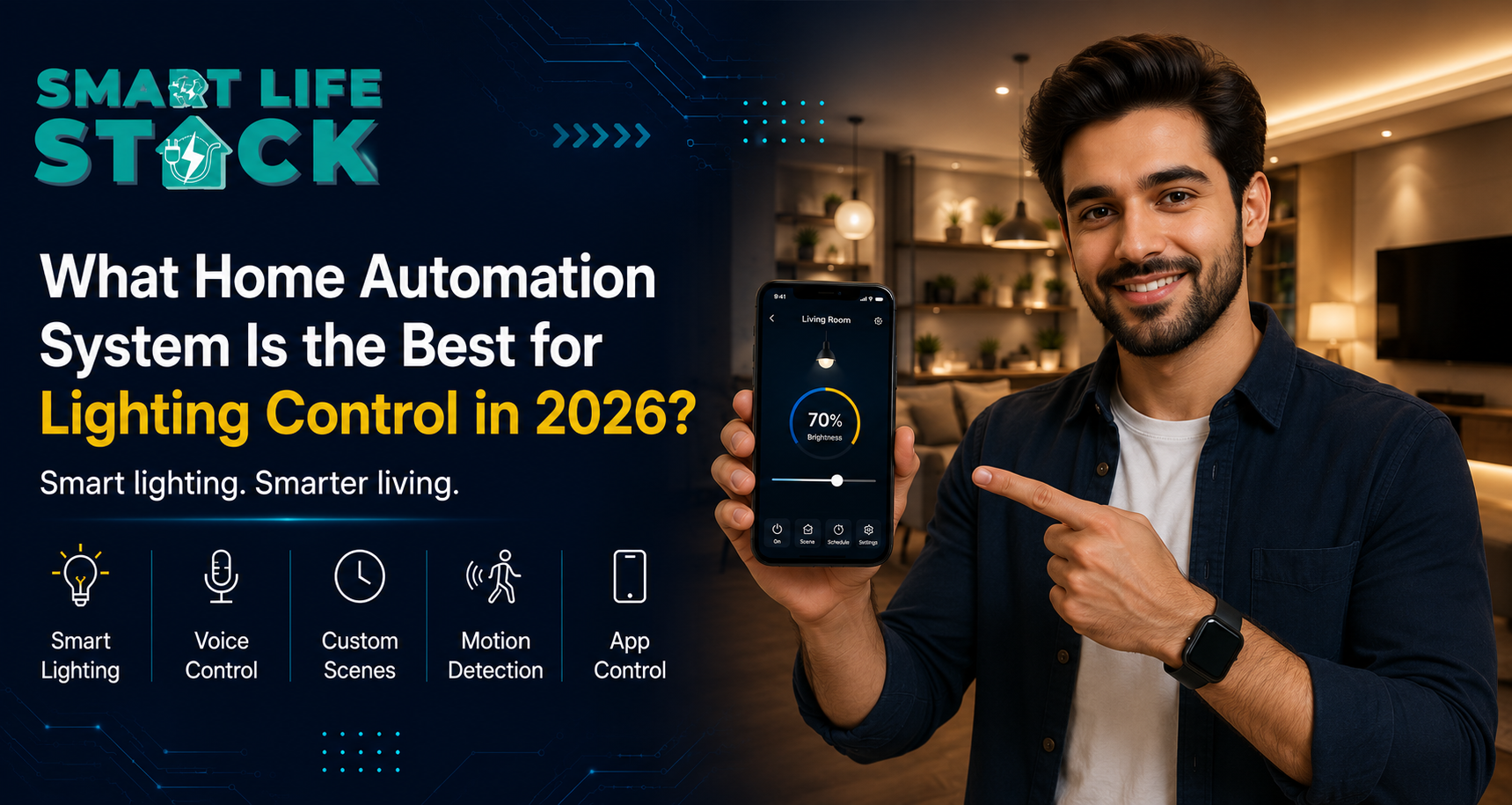
Once configured, your living room lights automatically lower their brightness every night at 10 PM.
One tap runs multiple devices together. That’s called a scene.
The brand and budget changes, but the idea is always the same. Your switch is now part of a proper IoT home automation setup.
How does it actually work, though?
Let’s break it down without the jargon overload.
1. The Hardware
Inside every smart switch there’s
A relay: this physically opens/closes the circuit
A microcontroller: basically the switch’s brain
A wireless module: Wi-Fi, Zigbee, Z-Wave, or Bluetooth
A power circuit: keeps the switch always on and connected
When you tap your phone, the command goes like this: phone → router → cloud (or straight to switch) → microcontroller → relay. Happens in milliseconds. You won’t even notice the delay.
2. The Communication
Different switches use different protocols:
Wi-Fi: plugs straight into your home router. No hub needed. Most common for Indian homes.
Zigbee / Z-Wave: mesh network. Every device also acts as a signal repeater. Better for bigger homes with 10+ devices.
Bluetooth: short range, usually needs a hub to extend it.
Honestly for most Mumbai and Pune flats, Wi-Fi switches are the easiest starting point. No extra setup headache.
3. The App and Software
This is where it gets interesting. Your switch connects to an app like SmartLifeStack, and from there you can set it up with Alexa or Google Home too.
What you can actually do:
Scenes: “Movie Mode” dims lights, closes curtains, and turns on the TV. One tap.
Schedules: AC off at midnight. Lights on at sunset. Set it once and forget it.
Automations: Does the front door unlock between 6 and 8 AM? Kitchen lights turn on automatically.
That last part is where it stops being just convenient and starts being genuinely smart.
Lighting Automation: It's Not Just Dimming
People think smart lighting = dimmer switch. It’s way more than that.
Modern lighting can:
Go warm white in the evening and cool white when you’re working
Turn it on when you walk in and turn it off when you leave. Motion sensors do this
Adjust automatically based on actual sunrise/sunset times
Split into zones: bedroom separate from living room separate from corridor
For offices, this alone cuts electricity bills. Lights don’t stay on in empty rooms. For elderly family members, motion-triggered lighting is a genuine safety thing; no fumbling for switches at night.
Smart Home vs Regular Home: What's Actually Different
Feature
Regular Home
Smart Home
Light control
Wall switch only
App, voice, schedule, automation
Door security
Physical key
OTP, PIN, fingerprint, app
Energy monitoring
Nothing
Per device, real-time
Guest access
Physical key
Temporary digital code
Control from outside
Not possible
Full remote via app
Scenes
Doesn’t exist
One tap, multiple devices
Installation
Standard wiring
Behind the panel, no new wiring
It really comes down to one question: How much do you want your home working for you vs. you working for your home?
Door Locks Where Security Meets Convenience
Thebest smart locks are honestly one of the first things people fall in love with. Especially new flat buyers.
You get:
Fingerprint, PIN, card, or app unlock
Notification every single time the door opens
Timed OTP for domestic help: no spare key drama
Auto-lock after 30 seconds if someone forgets
And it connects to everything else. Lock the door at night, and it can trigger a “Goodnight” scene automatically: lights off, AC at 24°C, and curtains closed. One action.
Airbnb hosts and rental owners especially love this. Guest gets a code. Code expires at checkout. No physical handover. No lock replacement. Done.
Voice Control For When You Don't Want to Touch Anything
Setup Alexa or Google Home with your switches and you’re sorted.
“Alexa, turn off the bedroom light.” “Hey Google, living room to 50%.” “Alexa, activate Movie Mode.”
For older parents and grandparents, this is genuinely the best interface. No app to learn, no screen to navigate. Just talk. It’s also why smart switches are a solid recommendation for any home with elderly residents.
Beyond Switches: The Full Ecosystem
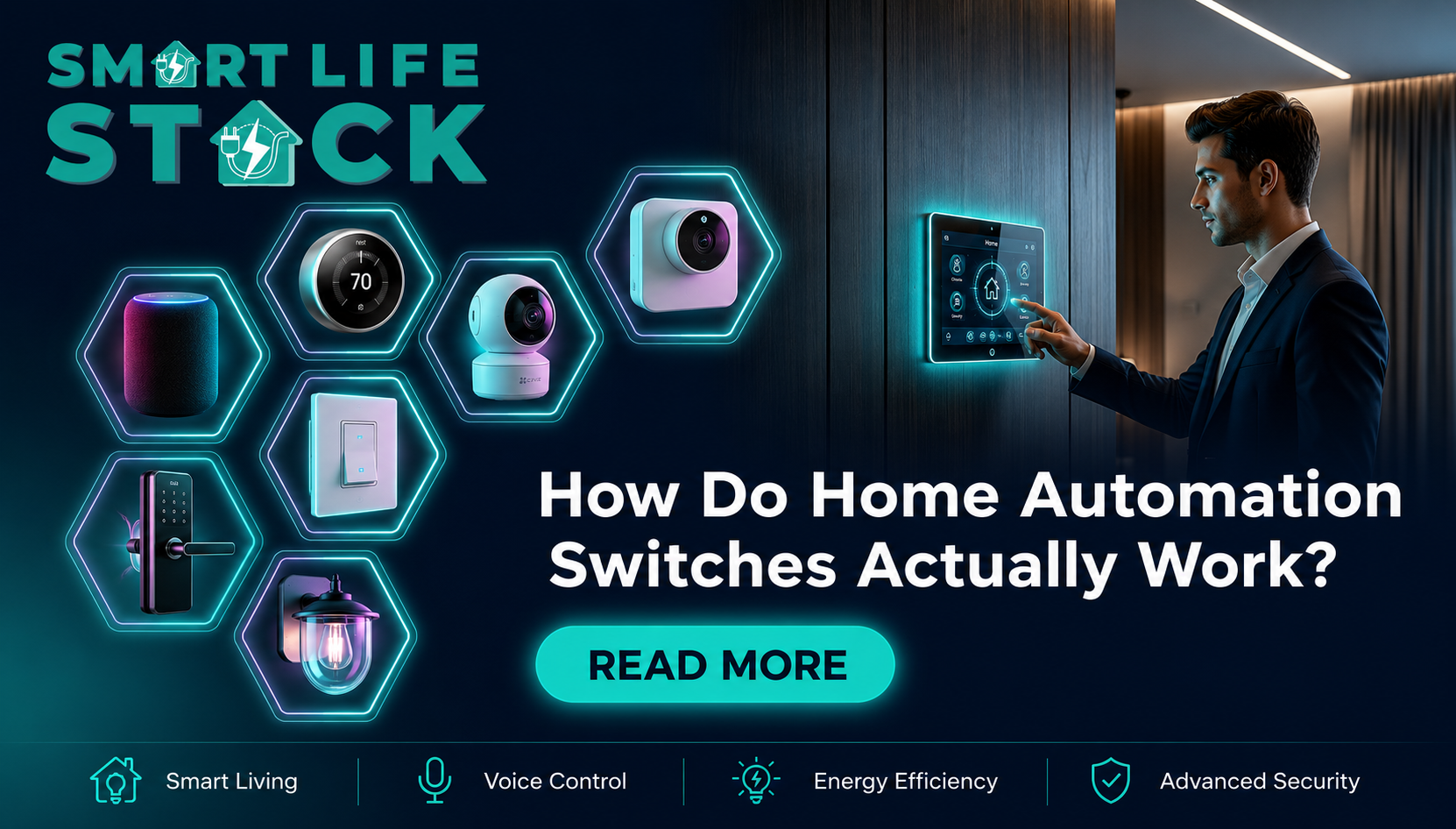
Switches are just the start. Once you have the base setup, you can keep adding the following:
Curtain motors: open/close on schedule or voice
Smart AC controllers: turns your regular AC into a smart one
Video doorbells and cameras: same app, same automations
For hotels and co-working spaces, this means the entire environment’s lighting, temperature, access, and curtains run from one dashboard.
How to Pick the Right System
New flat buyer:
Check if the switch fits your modular plate (Legrand, GM, Anchor)
Wi-Fi for simple setup; Zigbee if you have 10+ devices
Make sure app works offline too for when broadband acts up
Existing homeowner:
Check if your wiring has a neutral wire older homes sometimes don’t
Pick a brand with decent local support
Start with living room, bedroom, main door
Real estate developer:
Check if your wiring has a neutral wire older homes sometimes don’t
Pick a brand with decent local support
Start with living room, bedroom, main door
Office / co-working:
Energy monitoring and scheduling are must-haves
Multi-admin control matters
Integrate with access control if possible
The Real Benefits (Not the Marketing Version)
Energy: you stop accidentally leaving things on
Security: real-time alerts, door activity logs
Convenience: control everything from wherever you are
Property value: smart homes rent and sell better in cities
Accessibility: genuinely helpful for elderly and differently-abled users
Peace of mind: just check your phone. Door locked? AC off? Done.
Conclusion
Smart switches aren’t a rich person thing anymore. The tech has matured, prices have come down, and the actual day-to-day value is real whether you’re a new flat buyer, retrofitting an old home, managing a rental, or running a business.
Energy savings. Security. Convenience. Property value. It all adds up.
Want to start with just lights? Fine. Want the full setup: voice control, smart locks, curtain motors, sensors? Also fine. The right starting point is just a conversation.
SmartLifeStack designs, installs, and manages home automation for homes and projects across Mumbai from a single switch to a fully integrated smart home. Get in touch and let’s figure out what makes sense for your space.
Frequently Asked Questions
Q1: What's the difference between a smart switch and a regular one?
Looks similar on the wall. But inside it has wireless tech. Regular switch = manual only. Smart switch = app, voice, schedule, or remote even when you’re not home.
Q2: Do I need new wiring?
Usually no. It fits behind your existing plate. Some older homes don’t have a neutral wire, though; check before buying. Plenty of models work without it now.
Q3: Smart home automation vs. home automation—same thing?
Pretty much used interchangeably. “Home automation” = automating things. Smart home” specifically means internet-connected, sometimes AI-driven. All smart homes automate, but not all automation is “smart” in the connected sense.
Q4: Can I control lights without internet?
Yes, if your system supports local Wi-Fi control. Command stays within your home network. Works even when broadband is down. But remote access from outside needs the internet.
Q5: Are smart door locks actually secure?
Generally more secure than physical locks. Every access attempt is recorded, permissions can be removed instantly, and there are no physical keys to duplicate. Good brands meet international security standards.
Q6: Good for elderly parents?
Very much yes. Voice control, motion lighting, and auto-locks remove a lot of physical actions that become difficult with age. Genuinely improves safety and independence.
Q7: What is IoT in home automation?
IoT = Internet of Things. Your lights, locks, AC, curtains, and sensors are all talking to each other and the internet. They act together based on your rules, not separately.
Q8: What does it cost in India?
A basic setup of 6-8 switches for 2-3 rooms starts around ₹15,000–₹30,000 with installation. Full 2BHK with lighting, locks, curtains, and sensors: ₹50,000 to ₹150,000 depending on brand tier. Most brands let you start small and expand later.
Tags:home automationhome automation in mumbaihome automation systemSmart home technologySmartlifestack