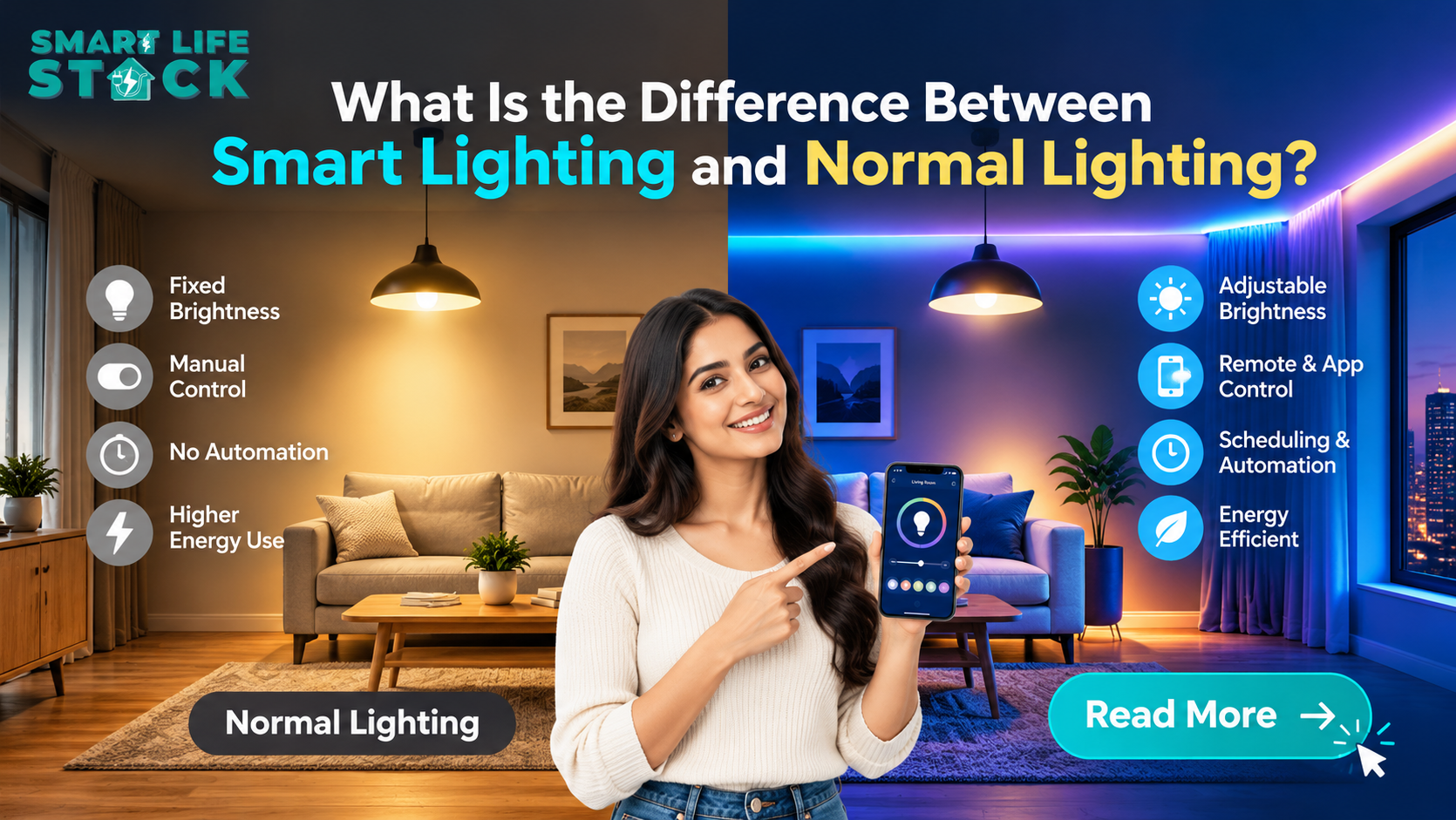
Lighting plays an important role in how comfortable, functional, and energy-efficient your home feels. Traditional lights work with a simple switch, while Best Smart Lighting in 2026 allows you to control brightness, schedules, and selected lighting functions through a smartphone, voice assistant, or automated system.
The main difference between smart lighting and normal lighting is how you control and manage your lights. Normal lighting usually requires manual operation, whereas smart lighting can offer remote access, automation, dimming, and sensor-based control, depending on the products installed.
For new flat buyers, homeowners, office managers, and property investors, understanding these differences can help you choose the right lighting solution. This guide explains how both systems work, their advantages, installation requirements, and how smart lighting fits into a modern home automation system in Mumbai.
What Is Normal Lighting?
Normal lighting refers to a conventional lighting setup in which lights are operated using a physical wall switch or another basic control. The light turns on or off when someone operates the switch.
For example, when you enter your bedroom, you may need to walk to the switch to turn on the ceiling light. If you want to adjust the lighting, you might need a separate dimmer or another compatible fixture.
Traditional lighting remains a practical choice for many homes because it is straightforward to operate and generally requires fewer connected devices.
Key Features of Normal Lighting
- Manual operation: You turn lights on and off using a physical switch.
- Simple installation: Conventional fixtures and switches are familiar to most electricians.
- Lower initial complexity: Basic lighting usually does not require a connected controller, app, or network.
- Limited automation: Automatic scheduling and remote control are not available unless additional compatible equipment is installed.
- Independent operation: Most basic lighting circuits operate without relying on an internet connection or smart home platform.
Normal lighting can be suitable for homeowners who prefer a simple setup, have a limited budget, or do not need remote control and automation.
What Is Smart Lighting?
Best Smart Lighting is a lighting solution that allows users to control lights through connected devices, smart switches, mobile applications, voice assistants, schedules, or sensors. The available features depend on the type of bulb, switch, controller, and communication technology used.
For example, you could switch off a bedroom light using your smartphone without walking to the wall switch. You might also schedule selected lights to turn on in the evening or create a dimmed lighting scene for watching a movie.
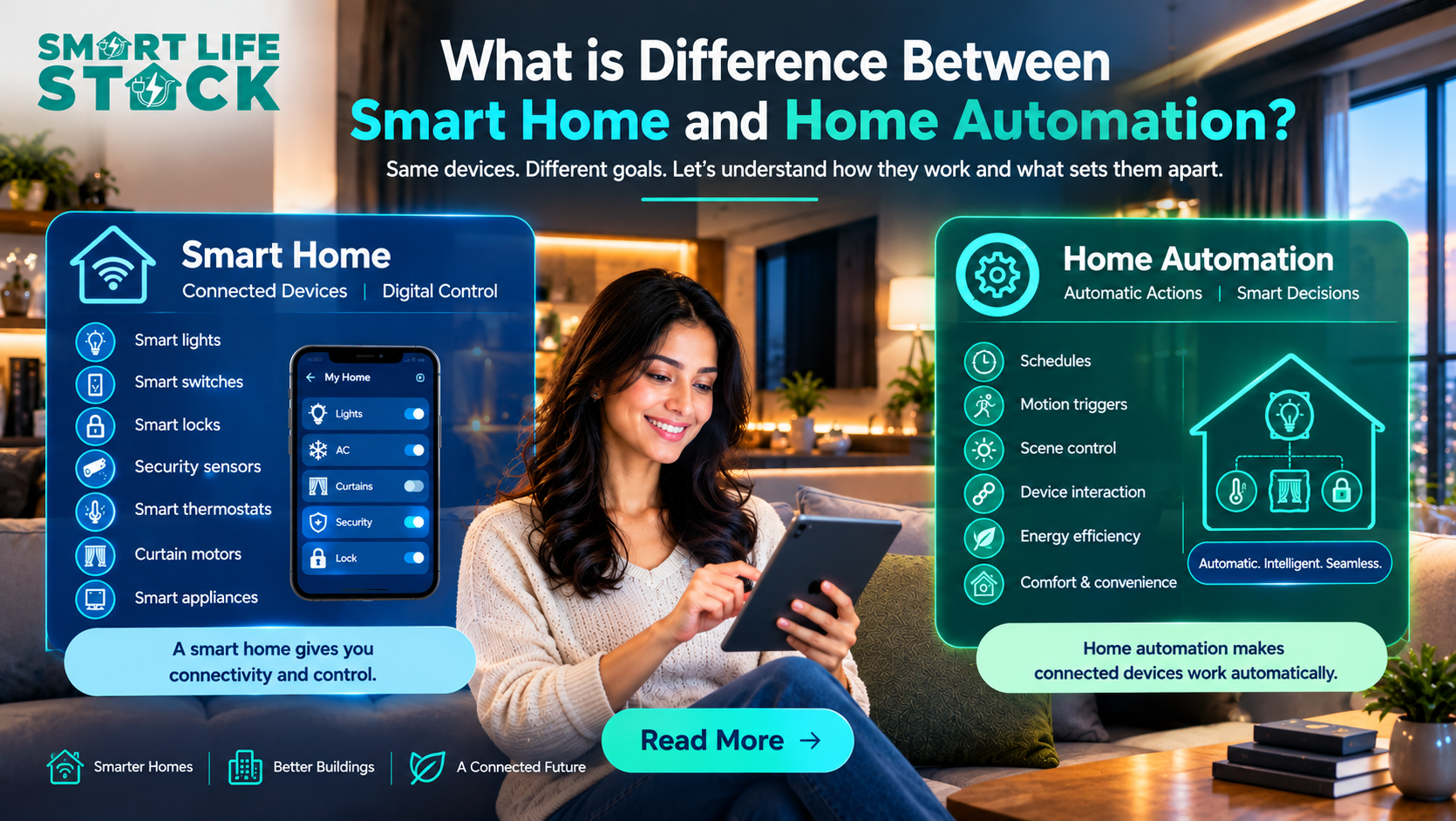
Smart lighting can work as a standalone solution or as part of a larger smart home automation system that also manages curtains, air conditioning, and other compatible devices.
Key Features of Smart Lighting
- Remote access: Control compatible lights through an app when the system supports remote access.
- Automated schedules: Set lights to operate at specific times.
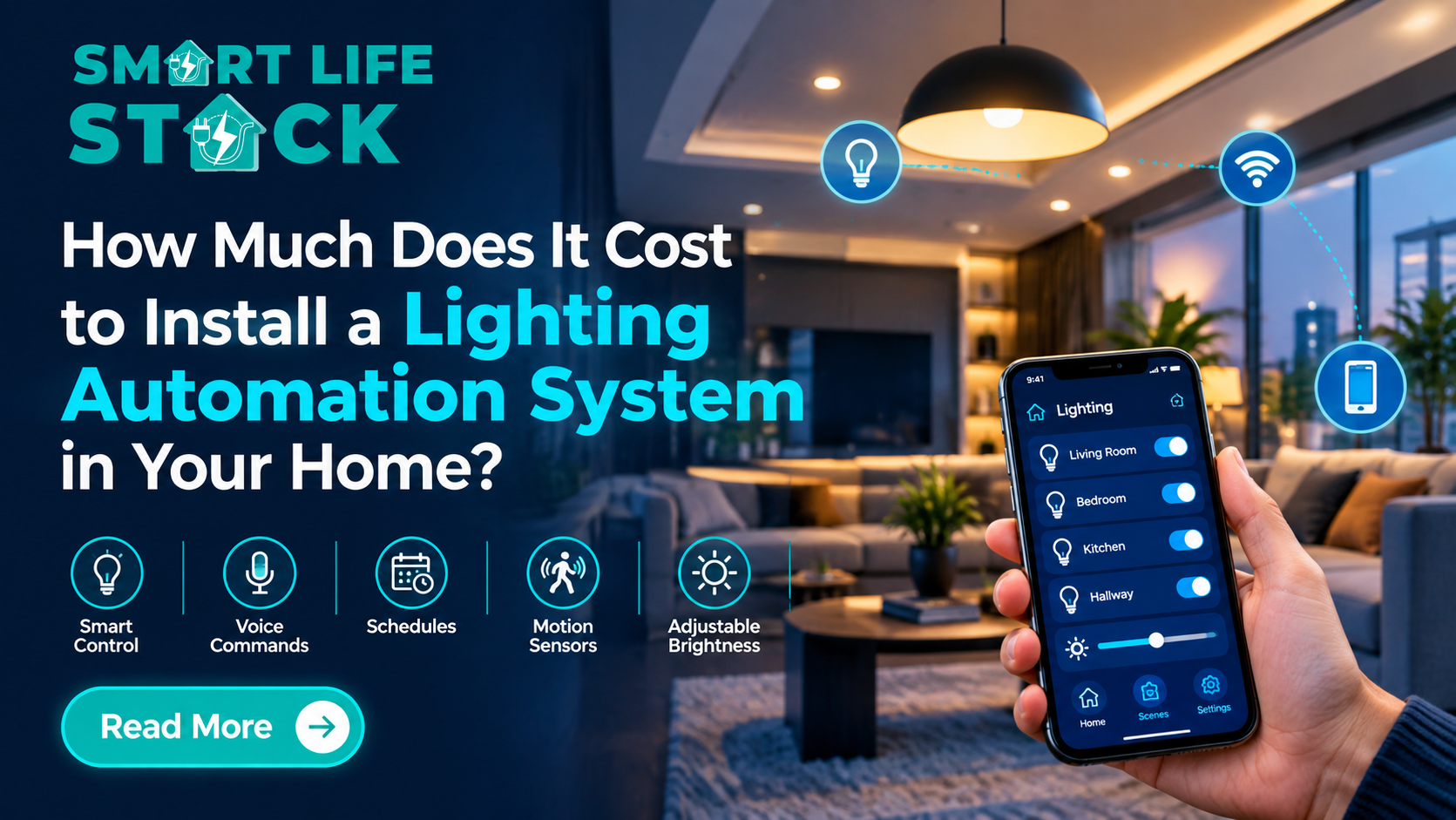
- Dimming and scenes: Use appropriate equipment to generate various lighting settings or change the brightness.
- Voice control: Operate supported lights through a compatible voice assistant.
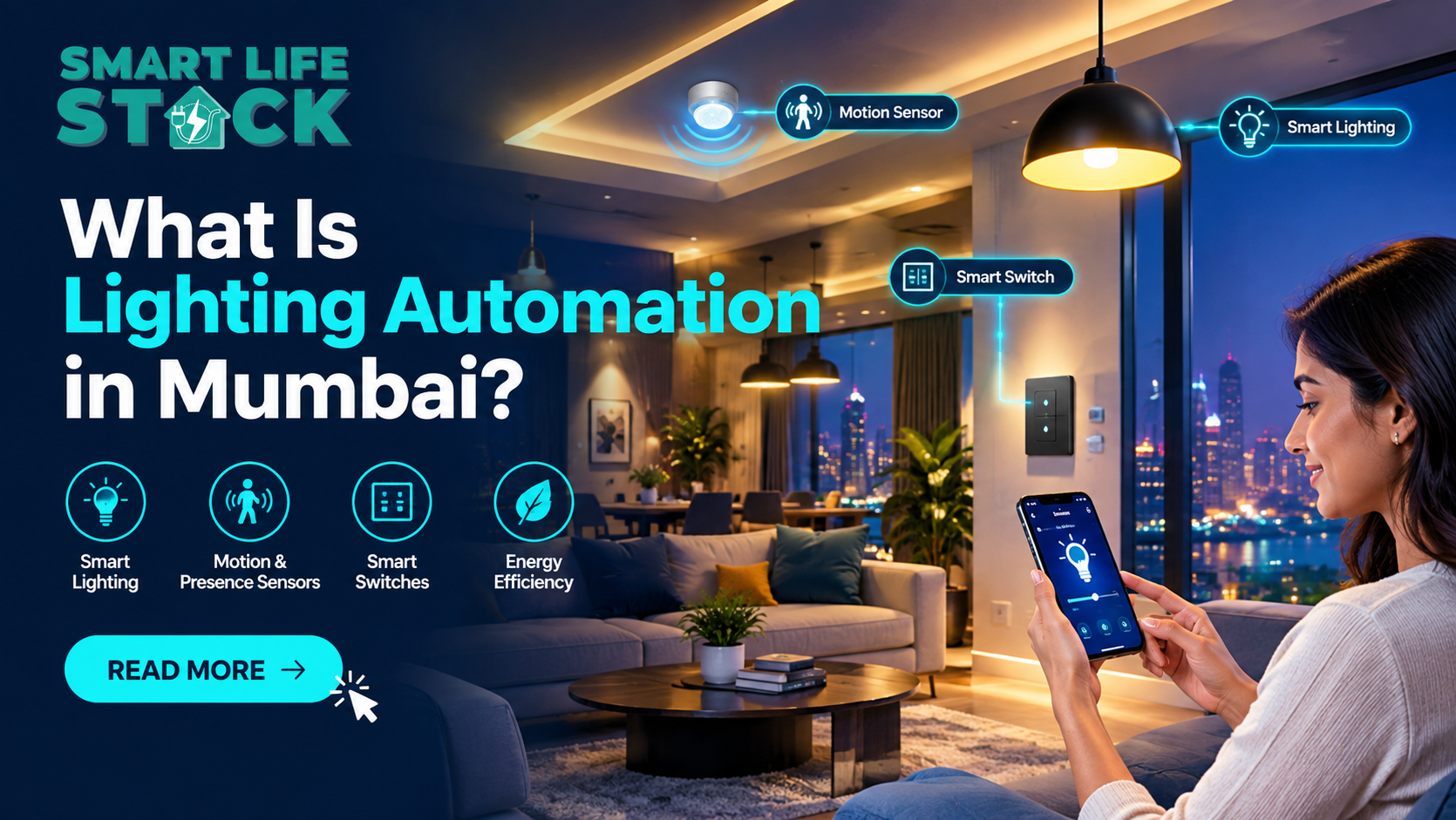
- Sensor-based automation: Use motion or occupancy sensors to control lighting in selected areas.
- System integration: Connect lighting with other compatible home automation devices.
These features can make everyday routines more convenient. However, not every smart bulb or switch supports all of them, so checking product compatibility before installation is important.
Smart Lighting vs Normal Lighting: Key Differences
The following table compares the two systems across common household requirements.
Feature | Normal Lighting | Smart Lighting |
Basic control | Physical switch | Switch, app, or supported voice assistant |
Remote access | Usually unavailable | Available with compatible equipment |
Scheduling | Requires additional controls | Available on supported systems |
Brightness adjustment | Requires a compatible dimmer or fixture | Available with compatible bulbs, switches, or controllers |
Motion-based control | Requires additional equipment | Can integrate with compatible sensors |
Installation | Generally straightforward | Depends on wiring, devices, and system design |
Initial cost | Usually lower for basic setups | Can be higher because of connected devices |
Internet dependency | Usually none | Depends on the system and selected features |
Integration | Usually operates independently | Can connect with compatible home automation systems |
Maintenance | Conventional switch and fixture maintenance | May also require app, network, firmware, or controller support |
The key takeaway: Normal lighting focuses on basic manual control, while smart lighting adds connected control and automation options. Neither is automatically better for every room; the right choice depends on your budget, usage, and requirements.
What Are the Benefits of Smart Lighting?
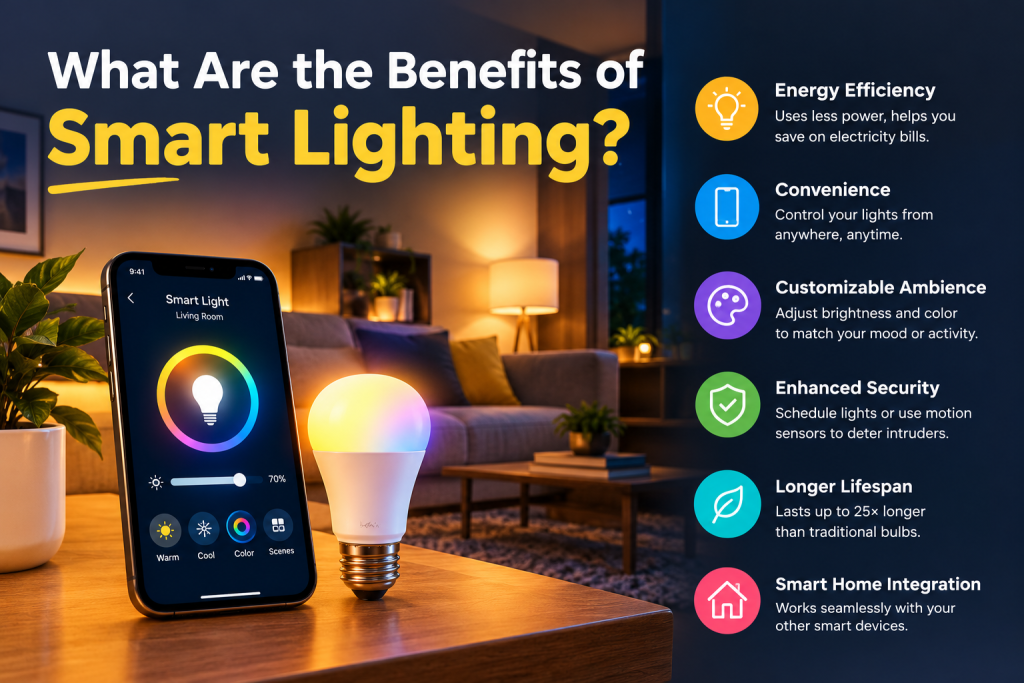
Smart lighting can improve convenience and give homeowners more control over how lights operate throughout the day.
1. Control Lights Without Walking to a Switch
With a compatible smart home automation system, you can operate selected lights using a smartphone or voice command.
This is particularly useful when you are relaxing in bed, carrying items, or managing lights in several rooms. For elderly residents and people who find frequent movement difficult, remote switching can make everyday tasks easier.
2. Automate Your Lighting Routine
You can schedule compatible lights to switch on or off at selected times. For instance, certain bedroom lights could turn off at a predetermined time, while entry illumination might turn on in the evening.
Additionally, motion sensors, occupancy sensors, and available daylight data can be used by automation.
Because improperly chosen sensor locations or schedules could result in lights switching at inopportune times, proper configuration is crucial.
3. Adjust Brightness for Different Activities
A bright room may be useful for reading, cleaning, or working. Softer lighting may be more suitable for watching television or relaxing.
Compatible smart bulbs, dimmers, and controllers let you create different settings for these activities. Before installation, confirm that the lighting fixture and control device support the required dimming function.
4. Manage Lighting When You Are Away
Some smart lighting systems support remote access through an internet-connected app. This can be useful for NRIs managing properties in Mumbai, rental property owners, and Airbnb hosts.
For instance, a homeowner may switch off a forgotten light or operate selected entrance lights before arriving at the property. Remote control depends on the system’s connectivity, power supply, and configuration.
5. Improve Lighting Efficiency
Smart lighting can help reduce unnecessary electricity use when combined with appropriate LED lights, schedules, occupancy sensors, and daylight-responsive controls.
For example, a sensor may turn off a light after a room has remained unoccupied for a configured period. The actual savings depend on how the space is used, the existing lighting, the settings, and the energy consumption of the devices.
Smart controls do not guarantee lower electricity bills. Choosing efficient lighting and setting up the automation correctly are both important.
How Does Smart Lighting Work?
Smart lighting integrates a control mechanism with compatible light sources or switching devices in 2026 . Depending on the product, communication may use Wi-Fi, Bluetooth, Zigbee, or another supported protocol.
A typical setup may include the following components:
- Smart bulb or smart switch: This controls the light. A smart bulb replaces a compatible conventional bulb, while a smart switch or controller operates a compatible lighting circuit.
- Control method: You use an app, voice assistant, physical control, or automation rule to operate the lights.
- Network or hub: Some products connect directly to Wi-Fi or Bluetooth, while others require a compatible hub or gateway.
- Sensors: Optional motion, occupancy, or light sensors can trigger lighting actions.
- Automation rules: These determine when a light turns on, switches off, or changes brightness.
For example, an entryway automation could activate a light when a compatible motion sensor detects movement after sunset. Another rule could switch selected lights off at bedtime.
Not every smart lighting system needs a separate hub, and not every feature works without internet access. Always check the manufacturer’s specifications and the system’s local-control capabilities.
Smart Lighting Installation: What Should Homeowners Consider?
Planning the installation before purchasing devices can help avoid compatibility issues and unnecessary expenses.
Choose Between Smart Bulbs and Smart Switches
Smart bulbs are useful when you want to control individual lights or change their brightness and color, where supported. Smart switches may be more suitable when you want to control existing fixtures through a connected wall switch.
However, smart bulbs generally need continuous power to remain connected. If someone turns off the wall switch supplying the bulb, app or voice control may stop working until power is restored.
Smart switches also have electrical requirements. Some models need a neutral wire, while others have different wiring requirements. An electrician should verify compatibility with the existing circuit.
Check Your Wiring and Electrical Setup
Before installing a smart home automation kit, check the wiring, switch boxes, load requirements, and compatibility of the selected devices.
This is especially important in existing flats where rewiring may be difficult or where the original electrical installation was not designed for smart controls.
Use a qualified electrician for work involving mains electricity. Do not assume that every smart switch fits every existing switch box or lighting circuit.
Select a Suitable Communication Protocol
Wi-Fi devices can be convenient for smaller installations, while systems using a compatible hub or mesh-based protocol may suit other layouts.
Your choice should consider network coverage, the number of devices, local-control features, future expansion, and the availability of compatible products.
Plan for Manual Control
A well-designed lighting automation system should consider what happens if the internet, router, hub, or app becomes unavailable.
Where possible, choose equipment that retains useful physical control or local operation during connectivity problems. Confirm how the system behaves during power cuts and after electricity returns.
Smart Lighting for Homes, Offices, and Rental Properties
Different properties have different lighting needs. A practical design should focus on how people use each space rather than installing automation everywhere.
New Flats and Residential Homes
New homeowners can plan lighting automation alongside electrical layouts, interior design, and furniture placement.
Common applications include bedroom lighting scenes, living-room dimming, scheduled entrance lights, and sensor-controlled utility areas. Planning early may also help reduce installation changes later.
Elderly Residents
Remote switching and voice control can make lighting easier to operate. Sensor-controlled lights may also be useful in selected corridors or entrances.
However, automated lighting should not create dark areas or depend entirely on motion detection where continuous illumination is necessary. Sensor settings and backup manual controls should be planned carefully.
Offices and Commercial Spaces
Offices can use occupancy sensors, scheduled lighting, and daylight-responsive controls to manage lights in meeting rooms, private offices, and other suitable areas.
These features can help reduce lighting use when spaces are empty. Larger installations should be designed around workplace activities, required light levels, maintenance, and the building’s electrical and control systems.
Rental Properties, Hotels, and Airbnb Homes
Smart lighting may help property owners provide convenient controls and consistent lighting schedules. For example, an owner could configure selected lights for common arrival times or allow guests to control compatible lights easily.
The installation should remain simple for guests and staff. When simple physical controls will offer a better experience, steer clear of complex app needs.
Is Smart Lighting Worth the Extra Cost?
Smart lighting may be worth the investment if you value remote control, flexible brightness, automated routines, or integration with other home automation devices.
Normal lighting may be the better option if you only need reliable on-and-off operation and do not expect to use connected features.
When comparing costs, consider more than the purchase price. Your total budget may include:
- Smart bulbs, switches, dimmers, sensors, or controllers.
- A compatible hub or gateway, if required.
- Electrical installation and configuration.
- Additional wiring or changes to existing switch boxes, where necessary.
- Future maintenance and replacement costs.
You do not need to automate every room immediately. Starting with a frequently used area, such as the living room, bedroom, or entrance, can help you understand which features are genuinely useful before expanding the system.
How to Choose the Right Home Automation Solution
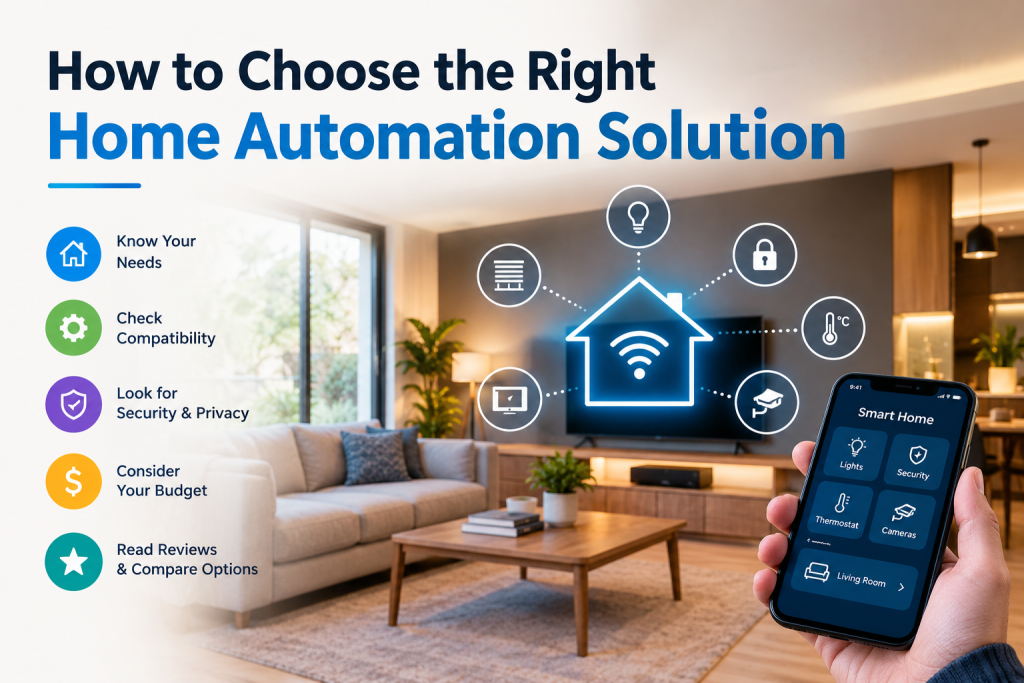
Before selecting a system, consider the following checklist:
- Identify your needs: Decide whether you want remote switching, dimming, scheduling, voice control, or sensor-based automation.
- Check compatibility: Confirm that your lights, switches, wiring, phone, and voice assistant work with the proposed system.
- Plan the installation: Consider switch locations, network coverage, electrical requirements, and the need for a hub.
- Set your budget: Include installation and future expansion rather than comparing device prices alone.
- Evaluate support: Choose a solution with clear documentation, reliable technical support, and suitable after-sales service.
- Plan for future expansion: If you may add curtain automation or AC control later, check whether the platform supports those devices.
For homeowners exploring home automation installation in Mumbai, SmartLifeStack can be considered as a starting point for discussing lighting control requirements and how they may fit into a wider smart home plan. Confirm the available products, compatibility, installation scope, and support arrangements before making a decision.
Key Takeaways
Before selecting a system, consider the following checklist:
- Identify your needs: Decide whether you want remote switching, dimming, scheduling, voice control, or sensor-based automation.
- Check compatibility: Confirm that your lights, switches, wiring, phone, and voice assistant work with the proposed system.
- Plan the installation: Consider switch locations, network coverage, electrical requirements, and the need for a hub.
- Set your budget: Include installation and future expansion rather than comparing device prices alone.
- Evaluate support: Choose a solution with clear documentation, reliable technical support, and suitable after-sales service.
- Plan for future expansion: If you may add curtain automation or AC control later, check whether the platform supports those devices.
For homeowners exploring home automation installation in Mumbai, SmartLifeStack can be considered as a starting point for discussing lighting control requirements and how they may fit into a wider smart home plan. Confirm the available products, compatibility, installation scope, and support arrangements before making a decision.
Conclusion
The difference between smart lighting and normal lighting comes down to control, flexibility, and automation. Traditional lighting remains a straightforward and practical option, while smart lighting gives homeowners additional ways to manage their environment.
For new flat buyers, families, rental property owners, and businesses, the best choice depends on everyday needs, electrical compatibility, budget, and future plans. A carefully designed lighting automation system can improve convenience without making daily operation unnecessarily complicated.
SmartLifeStack can be a starting point for exploring smart lighting as part of a broader home automation solution. Assess your requirements first, choose compatible devices, and plan the installation around the way you actually use your space.
Frequently Asked Questions
1. What is the main difference between smart lighting and normal lighting?
Normal lighting is generally controlled manually through a physical switch. Smart lighting can also offer app control, automation, scheduling, dimming, and voice control, depending on the installed equipment.
2. Does smart lighting consume less electricity?
It can reduce electricity use when efficient lights and suitable controls prevent unnecessary operation. However, savings are not guaranteed and depend on how the lights are used and configured.
3. Can I convert normal lights into smart lights?
Yes, in many cases. You may be able to use compatible smart bulbs, smart switches, or lighting controllers. Check the existing wiring, fixture compatibility, and control requirements before purchasing devices.
4. Does smart lighting work without the internet?
Some systems support local controls, schedules, or hub-based automation without an internet connection. Other functions, especially remote access and certain voice services, may require internet connectivity.
5. Is smart lighting suitable for elderly residents?
Yes. Features such as remote switching, voice control, and carefully configured motion sensors can make lighting more convenient. Manual controls and safe lighting levels should remain available.
6. Is a hub necessary for smart lighting?
Not always. Some smart bulbs and switches connect directly to a network or phone, while others require a compatible hub or gateway. The answer depends on the product and desired features.
7. Can smart lighting be installed in an existing flat?
Often, yes. The installation approach depends on the existing wiring, switch boxes, selected devices, and any required electrical changes. A qualified electrician can assess the property before installation.
8. Can smart lighting work with a complete home automation system?
Yes, when the lighting products and home automation platform are compatible. A suitable system may combine lighting with other functions, such as curtain automation or AC control.