Building a smart home with Apple HomeKit allows you to control lights, locks, plugs, cameras, thermostats and more from the Apple Home app or using Siri voice commands. But in India, the number of companies and devices that support Apple HomeKit is lower than it is with other ecosystems like Alexa or Google Home.
Our company is one of the leading providers of Apple HomeKit enabled smart home solutions in Mumbai. We specialize in designing systems that integrate seamlessly with the Apple Home app, iPhone, iPad, and Siri delivering a smooth and smart home experience.
Our solutions are built specifically for Indian homes, keeping in mind local electrical standards, wiring conditions, and modern design preferences. This ensures reliable performance without the compatibility issues often found in imported systems.
Key Highlights:
- Native integration with Apple Home app and Siri
- No complex setup or unnecessary hubs
- Hardware optimized for Indian homes
- Reliable performance with strong local support
- Secure, privacy-focused ecosystem aligned with Apple standards
We don’t just offer products, we deliver a complete smart home automation experience where lighting, switches, and appliances work together intelligently within a unified system.
If you’re looking for a smart home solution that works effortlessly within the Apple ecosystem, our company stands as a trusted and future-ready choice.
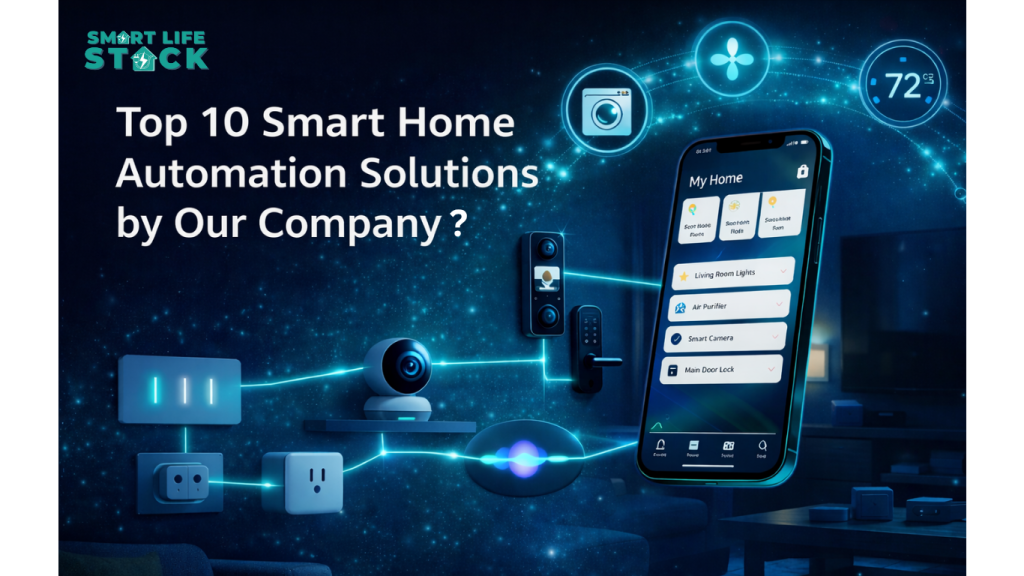
Top 10 Smart Home Automation Solutions by Our Company?
Smartlifestack offer a complete range of advanced smart home solutions designed to seamlessly integrate with the Apple ecosystem and modern living needs:
1. Smart Home Touch Switches?
Smart touch switches are elegant, touchscreen-enabled panels that link to a HomeKit environment or Wi-Fi in place of conventional light switches. You can turn lights on/off from the Home app, set schedules, and include them in automation scenes.
Benefits:
- Touch control with modern design
- Remote access via phone
- Scheduling and automatic routines
Many HomeKit‑compatible touch switches from brands like smartlifestack can seamlessly appear in the Apple Home app once added.
2. Smart Home Hub
A Smart Home Hub acts as the central brain of a connected home. For Apple HomeKit setups, hubs from brands like smartlifestack help tie all Zigbee or Wi‑Fi devices together so they can be controlled through HomeKit and phone.
Key roles of a hub:
- Device connectivity across protocols
- Central automation control
- Local processing for faster actions
- Remote HomeKit access without cloud dependency
A well‑configured hub improves responsiveness and ensures devices stay connected even if individual Wi‑Fi connections fluctuate.
3. Automated Home Thermostats
Smart thermostats intelligently manage your home’s temperature based on your routine and preferences, helping save energy. They can be controlled via apps, schedules, or voice commands.
Benefits:
- Automatic climate adjustment
- Remote control via phone or Home app
- Schedules based on occupancy
While HomeKit‑specific smart thermostats are not widely available in India yet, many international options can be integrated into Apple Home ecosystems once imported
4. Automated Home Plugs
Smart plugs let you control any plugged‑in device like lamps, fans, coffee makers, and more from your phone or HomeKit. They’re one of the easiest ways to start automation.
Why use smart plugs?
- Turn devices on/off remotely
- Set schedules
- Monitor energy usage of connected appliances
Brands like smartlifestack and some international HomeKit‑compatible plugs integrate cleanly with Apple Home.
5. Smart Surveillance Cameras
Smart security cameras let you monitor your home on your phone, receive motion alerts, and stream live video. Some HomeKit‑compatible models also support HomeKit Secure Video, storing footage securely in iCloud.
Key features:
- Live video monitoring
- Motion detection alerts
- Night vision
- Optional cloud storage and HomeKit Secure Video
Choose cameras that offer high‑resolution video with Apple Home compatibility if you want native integration.
6. DoorCam Smart System
Video doorbells, often called a DoorCam Smart System are camera systems integrated with your door that send alerts when someone approaches and let you see and speak with visitors from the Home app.
They provide:
- Visitor notifications
- Two‑way audio
- Live video feed
- Integration with other smart devices
Selecting a HomeKit‑compatible DoorCam ensures the video feed appears within the Apple Home app.
7. Secure Smart Entry & Home Lock Automation
Smart locks replace traditional keys with digital access via apps, codes, fingerprints or even proximity detection. In a HomeKit setup, these locks can be controlled and monitored through the Apple Home app.
Benefits:
- Keyless entry
- Real‑time lock status
- Temporary access codes
- Auto lock/unlock features
Look for HomeKit‑certified smart locks or supported devices like Schlage and Yale for seamless integration.
8. Automated Security Alerts
Security sensors including motion detectors or door/window sensors are essential for home safety. These notify your phone or Home app whenever irregular activity is detected.
Features:
- Instant notifications
- Triggers for automations (like turning on lights)
- Expanded coverage with multiple sensors
Properly placed sensors strengthen your overall smart security setup.
9. Home Voice Controller
Security sensors including motion detectors or door/window sensors are essential for home safety. These notify your phone or Home app whenever irregular activity is detected.
Features:
- Instant notifications
- Triggers for automations (like turning on lights)
- Expanded coverage with multiple sensors
Properly placed sensors strengthen your overall smart security setup.
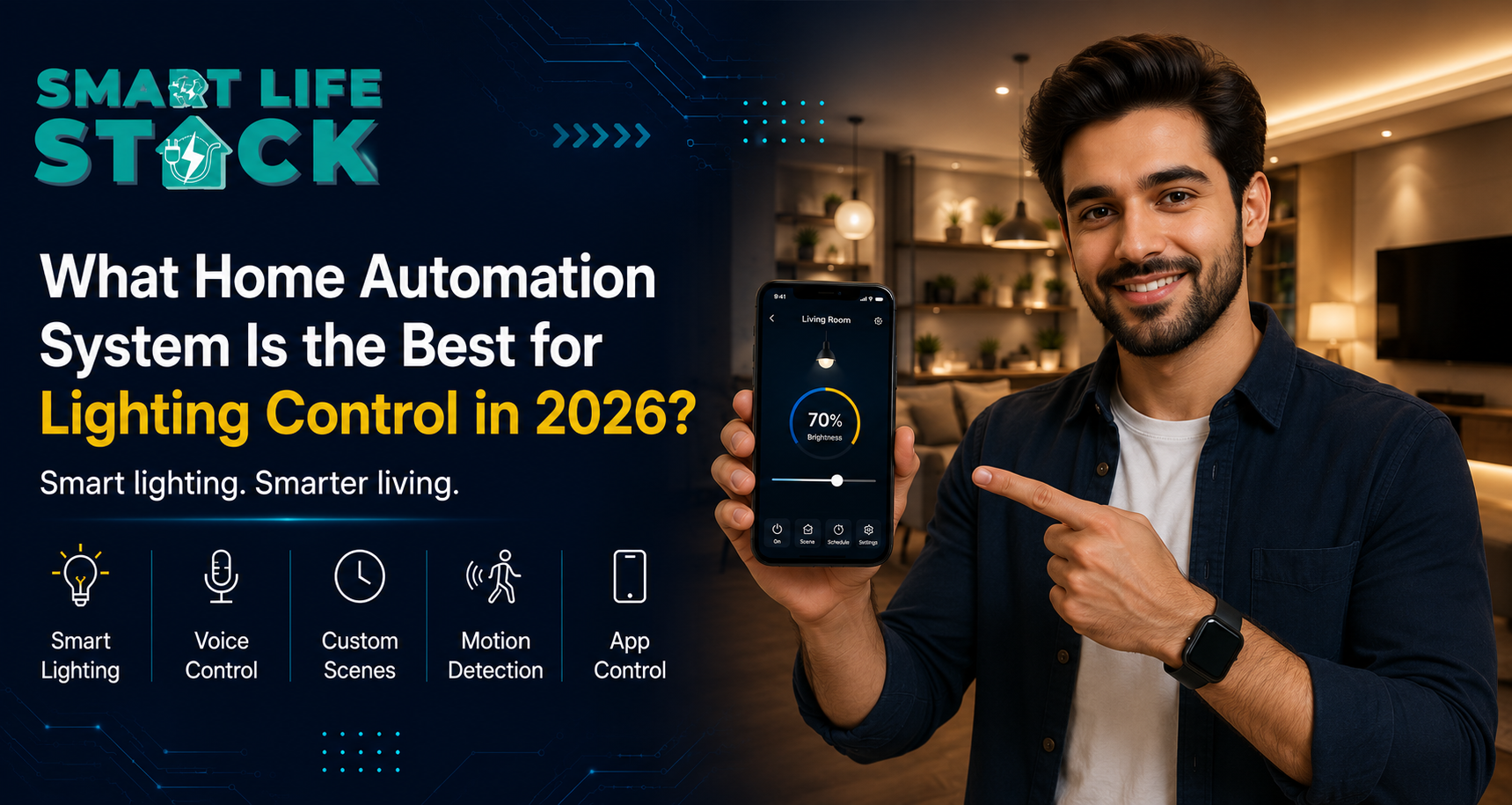
10. Smart Lighting Automation
Smart lighting Automation is a core part of any modern home automation system, allowing you to control brightness, colors, and schedules effortlessly through your phone or Home app. It enhances both convenience and ambiance while integrating seamlessly with your daily routines.
Features:
- Remote control via smartphone or Apple Home app
- Custom scenes (like Movie Mode, Relax Mode, Night Mode)
- Scheduling and automation based on time or activity
- Energy-efficient lighting management
Well-planned smart lighting transforms your living space, improving comfort, mood, and energy efficiency while making your home truly intelligent.
Conclusion
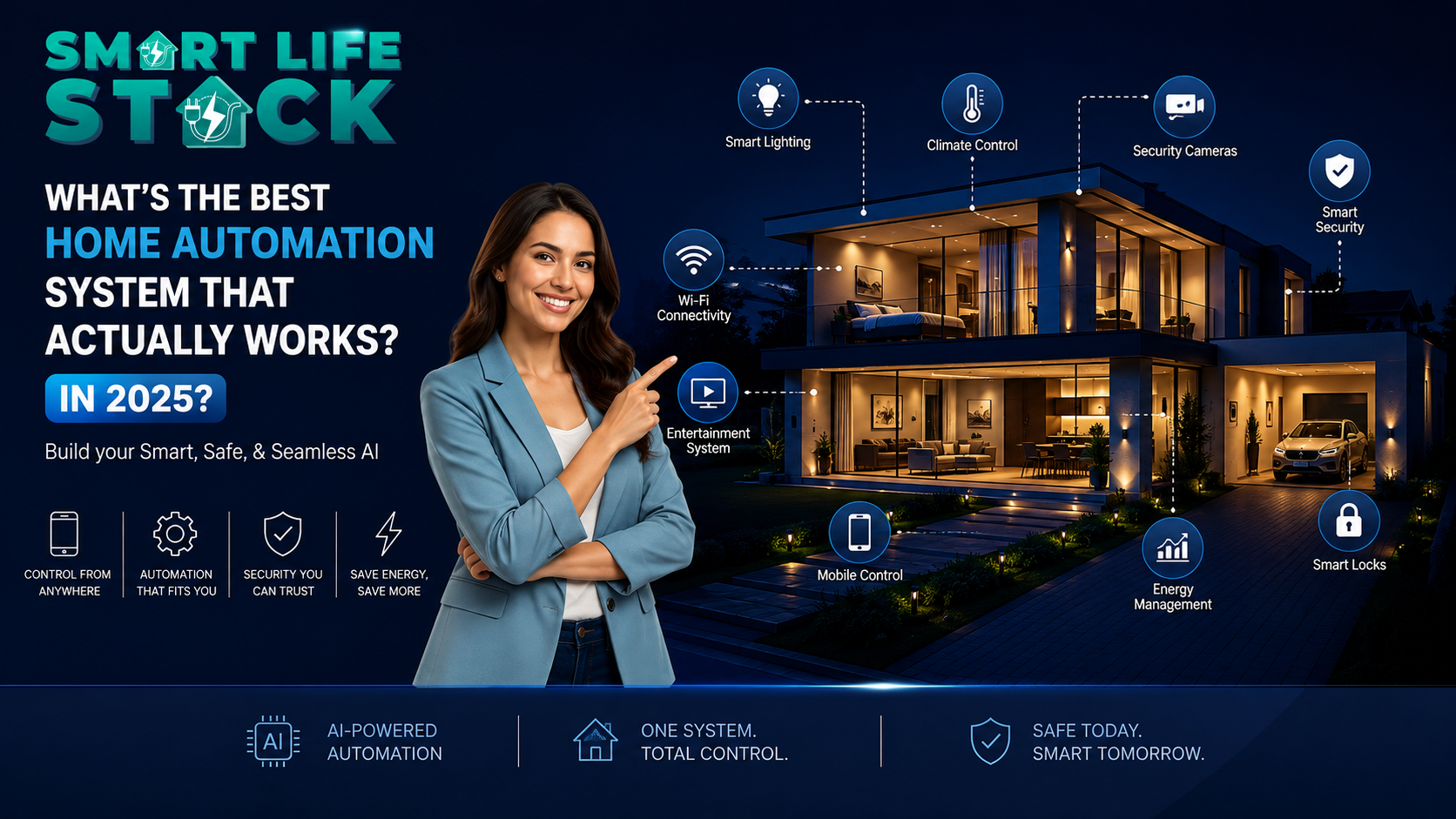
If you want a home that works smoothly with Apple HomeKit in Mumbai, the best option right now is to start with brands like Smartlifestack for native HomeKit devices, for a broader ecosystem via hub integration.
Pair these with smart switches, plugs, cameras, locks, and sensors to build a powerful automated home that you can manage effortlessly from the Apple Home app or through Siri voice commands.
Frequently Asked Questions
Q1. Does Apple HomeKit work without an internet connection?
Yes, many HomeKit devices communicate locally on your home network, so basic functions still work within your home even without the internet. Remote access requires iCloud/Home Hub.
Q2. Do all smart devices support Apple HomeKit?
No, only devices that are Apple HomeKit‑certified will work natively with Apple Home. Others may work via Homebridge or Matter bridges.
Q3. Can I use Siri to control all my smart devices?
Yes, if those devices are integrated into Apple HomeKit, you can use Siri for voice control.
Q4. Is a hub necessary for smart home automation?
Not always, some Wi‑Fi devices connect directly to Apple Home. But hubs are often used for Zigbee or low‑power devices.